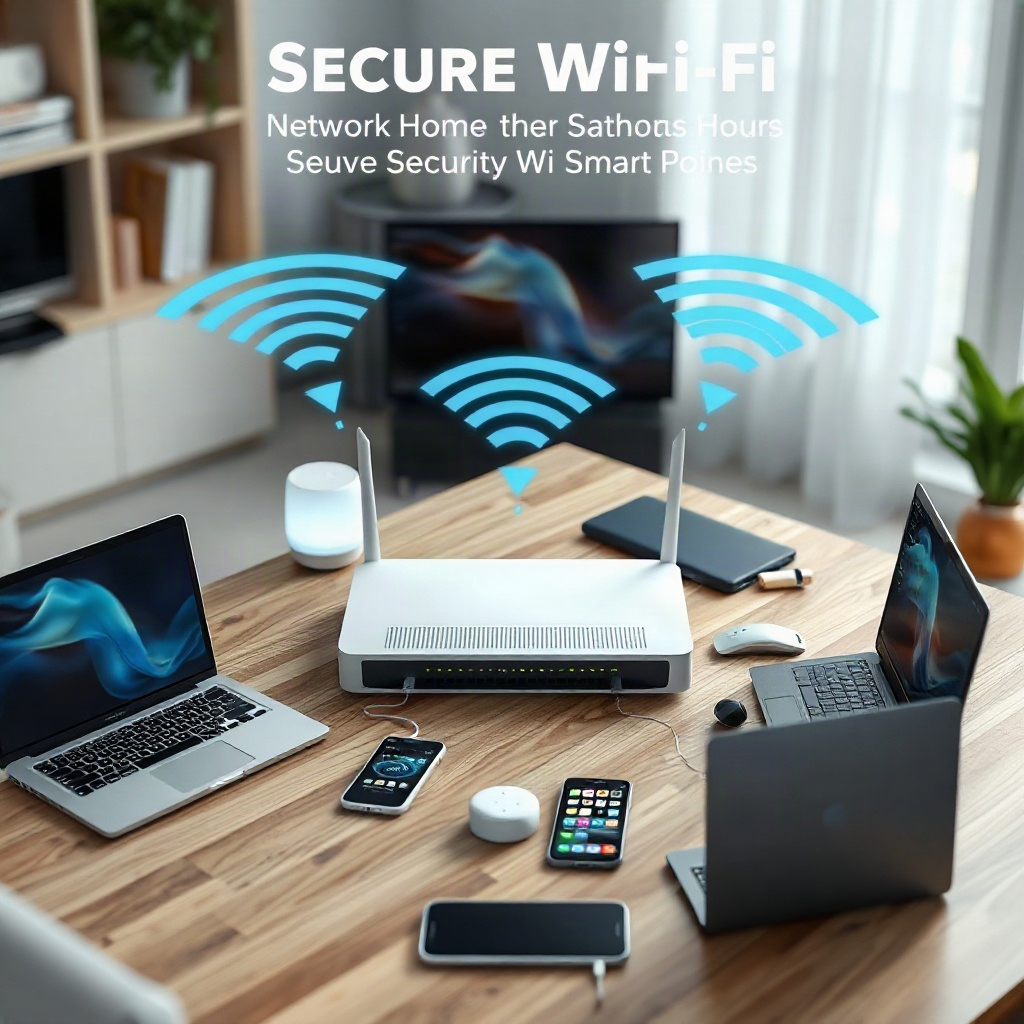
Securing a home Wi-Fi network is crucial in today’s digital age, where cyber threats are increasingly sophisticated and pervasive. The necessity to protect personal data and maintain online privacy has never been more pressing. However, many individuals are often deterred from enhancing their Wi-Fi security due to concerns that doing so might disrupt their devices’ accessibility or connectivity. This article aims to elucidate effective strategies to secure your home Wi-Fi network while ensuring seamless access for all connected devices. By implementing these measures, you can create a fortified digital environment without compromising user experience or device functionality.
Understanding the Importance of Home Wi-Fi Security
One of the primary reasons for prioritizing home Wi-Fi security is the increasing volume of cybercriminal activities targeting unsecured networks. An open or poorly secured Wi-Fi network can serve as a gateway for unauthorized users, leading to potential data breaches, identity theft, and other malicious activities. Securing your network not only protects your sensitive information, such as bank details and personal communications, but also safeguards the integrity of connected devices. Moreover, with the rise of smart home technology and the Internet of Things (IoT), the number of connected devices in households has surged, amplifying the vulnerabilities associated with inadequate Wi-Fi security. Consequently, it’s imperative to adopt proactive measures to mitigate these risks while preserving the functionality of your devices.
Choosing a Robust Wi-Fi Password
A strong password is the first line of defense against unauthorized access to your home Wi-Fi network. When selecting a password, it is advisable to use a combination of uppercase and lowercase letters, numbers, and special characters. Avoid easily guessable information such as birthdays or common words. Furthermore, consider utilizing a password manager to generate and store complex passwords securely. Regularly updating your Wi-Fi password is another essential practice that can significantly enhance your network security. By changing your password periodically, you minimize the risk of unauthorized access, ensuring that only trusted individuals can connect to your network. This simple yet effective step is fundamental in maintaining a secure home Wi-Fi environment.
Configuring Network Encryption Settings
Encryption is a crucial component of Wi-Fi security that protects data transmitted over your network. Most modern routers offer different encryption methods, with WPA3 being the latest and most secure option available. It is imperative to ensure that your router is set to use WPA3 encryption, as older methods such as WEP and WPA2 are more susceptible to attacks. To configure your encryption settings, access your router’s administrative interface, typically through a web browser, and navigate to the security settings section. By enabling robust encryption protocols, you significantly reduce the likelihood of unauthorized individuals intercepting data transmitted over your Wi-Fi network, thus enhancing overall security.
Enabling a Guest Network
Creating a separate guest network for visitors is an effective strategy to enhance security without compromising accessibility for your devices. A guest network allows you to provide internet access to guests while keeping your primary network, where your personal devices are connected, secure. Most modern routers offer the option to set up a guest network, which can be configured with its own password and restrictions. By isolating guest devices from your primary network, you minimize the risk of unauthorized access to your personal devices and sensitive information. Additionally, this approach allows you to maintain control over who connects to your network and under what conditions, providing an added layer of security.
Keeping Your Router Firmware Updated
Router manufacturers frequently release firmware updates to address security vulnerabilities and enhance performance. Keeping your router’s firmware up to date is an essential practice for maintaining a secure home Wi-Fi network. To check for updates, log into your router’s administrative interface and navigate to the firmware update section. If an update is available, follow the instructions to install it. Regularly updating your router’s firmware not only helps protect against potential security threats but also ensures that your network operates efficiently. By taking this proactive approach, you can significantly enhance the security and reliability of your home Wi-Fi network.
Monitoring Connected Devices
Regularly monitoring the devices connected to your home Wi-Fi network is a crucial aspect of maintaining network security. Many routers provide a feature that allows you to see a list of connected devices, including their IP addresses and device names. By periodically reviewing this list, you can identify any unfamiliar devices that may have gained unauthorized access to your network. If you notice any suspicious activity, it is advisable to change your Wi-Fi password immediately and remove the unauthorized device from your network. Additionally, consider enabling notifications for new device connections, ensuring that you are informed promptly of any changes in your network’s composition. This vigilant approach helps you stay ahead of potential security threats and reinforces your network’s integrity.
Utilizing Network Security Features
Modern routers come equipped with various built-in security features designed to enhance network protection. Features such as firewalls, intrusion detection systems, and parental controls can be invaluable in safeguarding your network. Enabling these security features can provide an additional layer of protection against potential threats. For example, firewalls can help block unauthorized access attempts, while intrusion detection systems can alert you to suspicious activities on your network. Familiarizing yourself with your router’s security features and configuring them appropriately can significantly bolster your home Wi-Fi security while ensuring that your devices remain accessible and functional.
In conclusion, securing your home Wi-Fi network is a vital aspect of protecting your digital environment. By implementing robust security measures, such as strong passwords, encryption, and regular monitoring, you can create a safe online space without sacrificing device accessibility. As cyber threats continue to evolve, being proactive in your approach to Wi-Fi security will help safeguard your personal information and maintain the integrity of your connected devices. By following the strategies outlined in this article, you can achieve a well-secured home Wi-Fi network that balances both security and accessibility, ultimately enhancing your overall online experience.